
Best Laptop for Programming
Find the best laptops for programming fast, reliable, and built for coders. From lightweight ultrabooks to powerful machines for software development, discover top picks for Python, Java, web development, and more.

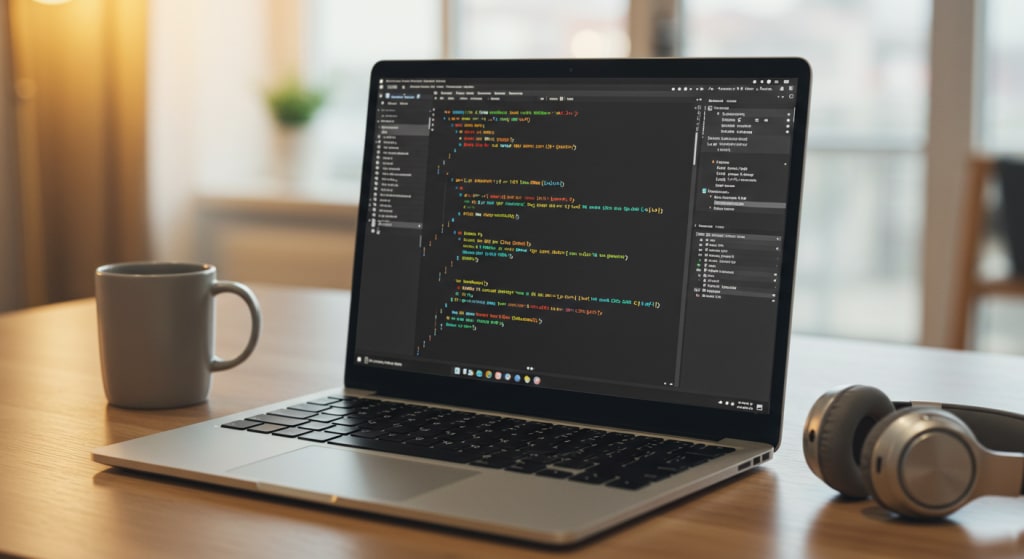
Today, we’re talking about something crucial for coders, developers, and tech students alike laptops built for programming.
Whether you're developing mobile apps, working with heavy IDEs like Visual Studio or IntelliJ, or just learning your first Python script, the machine you choose can make or break your productivity.
So in this blogpost, I’m going to walk you through the Top 5 Best Laptops for Programming, covering budget options, high-end picks, and machines built for specific platforms like iOS development. Let’s dive in!
What to Look for in a Programming Laptop (Quick Guide)
Before we jump into our top picks, let’s quickly go over the key features that matter most for developers:"
Processor (CPU): You’ll need something fast and efficient. At least an Intel i5/Ryzen 5 for beginners, but preferably i7/Ryzen 7 for multitasking and running IDEs smoothly.
Memory (RAM): 8GB is the bare minimum. For heavy multitasking or working with Docker, VMs, or Android Studio, go for 16GB or even 32GB.
Storage: SSD is non-negotiable. At least 256GB for basic dev work, but 512GB or more is recommended if you use multiple tools or keep local project files.
Battery Life & Portability: If you're a student or someone who works on the go, these are key.
Operating System: Windows is great for flexibility, macOS is essential for iOS devs, and Linux compatibility is a bonus if you work with servers or open-source stacks.
Now that you know what to look for, let’s check out the best laptops for programming.
Best Value: Microsoft Surface Pro 8
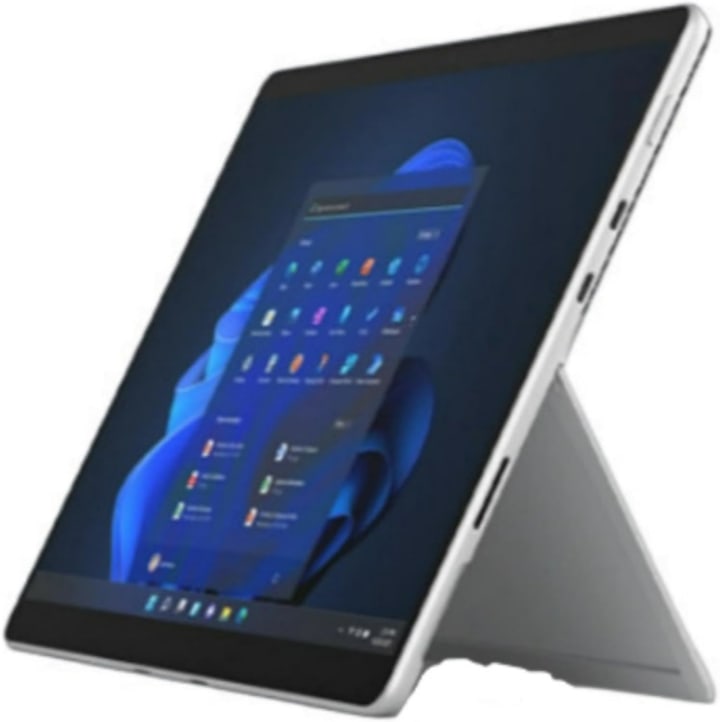
First up, the Microsoft Surface Pro 8. This one’s all about versatility, portability, and performance, making it a fantastic all-around option for coders who are always on the move.
You get a 13-inch PixelSense touchscreen, a powerful Intel Core i7 processor, and 16GB of RAM perfect for running IDEs, virtual environments, and debugging in real-time.
With Intel Iris Xe graphics, it’s also good enough for light UI/UX work or rendering web previews. The backlit detachable keyboard and tablet-style portability make it ideal for travel or coding at coffee shops and coworking spaces.
If you want one device for both productivity and portability, this is it.
Best iOS Development: Apple MacBook Pro (M1)
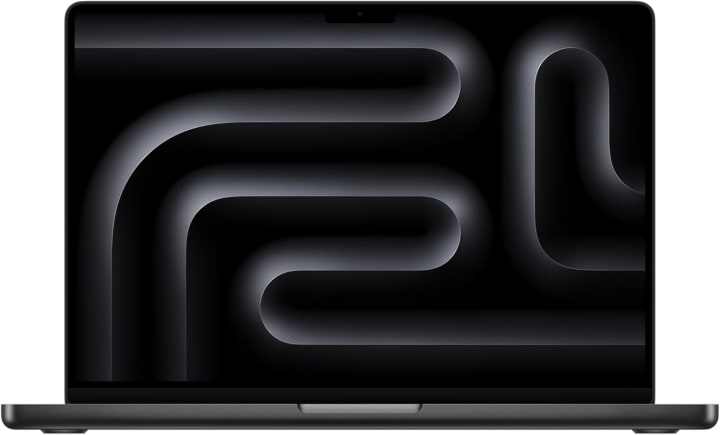
If you’re developing for iOS or macOS, then there’s really no better choice than the Apple MacBook Pro with the M1 chip. This machine is built with developers in mind, especially those working in Xcode, Swift, or cross-platform frameworks like Flutter and React Native.
With a 14-inch Retina display, 16GB of unified memory, and a 1TB SSD, this MacBook flies through builds and simulations. It’s whisper-quiet, energy efficient, and supports incredible battery life great for long dev sessions on the go.
Plus, the anti-glare coating makes it ideal for working under various lighting conditions. If iOS development is your niche, this is your workstation.
Best High-End: Dell XPS 15
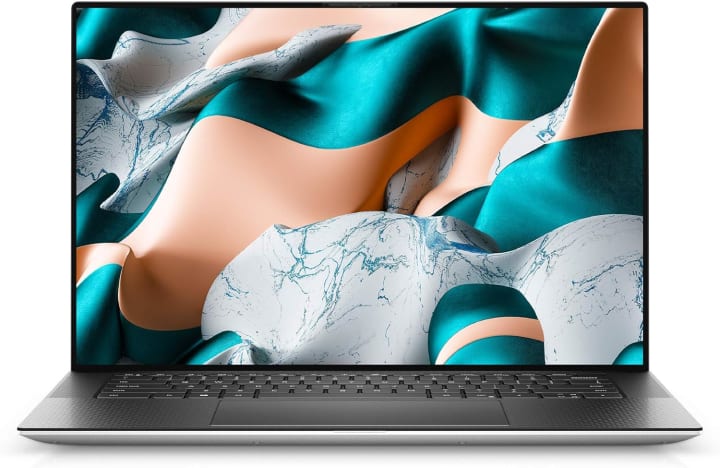
For programmers dealing with large-scale software, backend services, or resource-heavy tools like Docker, virtual machines, or Android emulators, the Dell XPS 15 is a true powerhouse.
It features an Intel Core i7, 16GB of RAM, 512GB SSD, and dedicated NVIDIA GTX 1650Ti graphics. This means smoother multi-threaded processing, faster compiling, and zero lag even when you’re juggling multiple windows or databases.
And let’s not forget the stunning 15-inch InfinityEdge display, which is not just beautiful, but also practical when you need to view multiple files side by side or debug long strings of code
If you're a professional developer, game designer, or systems engineer, this machine offers the power and reliability you need.
Best Budget: Acer Swift 3
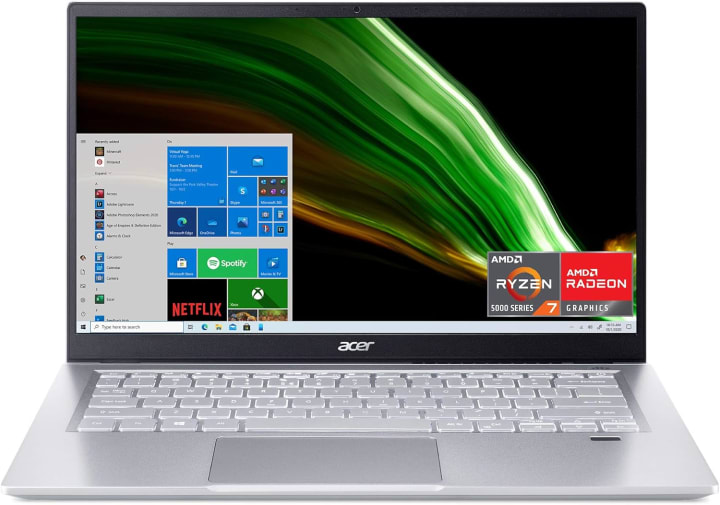
On a tight budget? Don’t worry Acer Swift 3 is here to save your wallet while still delivering a smooth programming experience.
Equipped with an AMD Ryzen 7 4700U, 8GB of RAM, and a 512GB SSD, this ultra-slim laptop handles day-to-day programming in languages like Python, JavaScript, and C++ with ease.
The fingerprint reader and sleek design add a nice touch, while the battery life is great for coding marathons away from your desk.
It’s not built for heavy graphical workloads, but for most developers, students, and hobbyists it gets the job done at a great price point.
Best Powerful: Lenovo ThinkPad X1 (Gen 2)
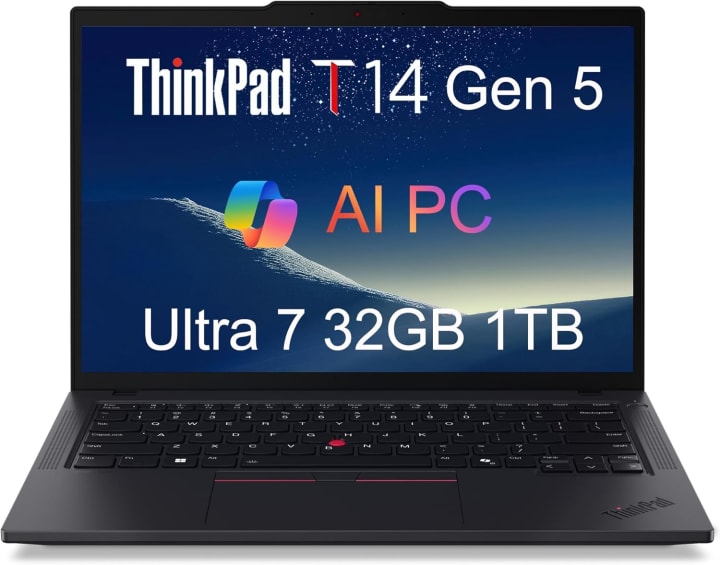
If you’re looking for sheer power and enterprise-level reliability, the Lenovo ThinkPad X1 (Gen 2) is our top pick. This machine is trusted by professionals in finance, engineering, cybersecurity, and data science.
You get an Intel Core i7, a massive 32GB of RAM, and a 1TB SSD, perfect for handling massive databases, compiling huge projects, or managing multiple virtual environments.
The dedicated GPU helps with graphics-heavy applications or even light ML model training. It also features a backlit keyboard, touchscreen, anti-glare display, and even comes with a 3-year warranty, which is a huge plus for business users.
If you’re working with advanced frameworks, multitasking with Docker, or doing remote work with secure environments this is a laptop you can trust with mission-critical tasks.
Conclusion
So whether you're a student just getting into coding or a seasoned developer working on enterprise-grade software, one of these laptops is bound to match your needs.
Remember, the best laptop isn’t always the most expensive it’s the one that fits your workflow, language, and lifestyle.
Which one are you thinking of getting? Drop your favorite in the comments below.
Thanks for reading and as always, keep building, keep coding, and I’ll see you in the next one!
About the Creator
Projectorsea
Projectorsea is your ultimate guide to projectors offering expert review, detailed buying guides, and the latest info to help you choose the perfect projector for home, office, or outdoor use. Dive in and make your viewing experience shine.
Keep reading
More stories from Projectorsea and writers in Education and other communities.
Institutional Email: What It Is, What It’s For, and How to Use It
There’s a huge difference between “having an email” and having an institutional email. A personal inbox is fine for everyday stuff. An institutional email works like an official key: it verifies who you are inside a school, university, or company—and it unlocks doors a personal email simply can’t.
By News Trends Go3 days ago in Education




Comments
There are no comments for this story
Be the first to respond and start the conversation.