
How Parents Can Find a Child’s Location on Facebook Messenger
What Every Parent Should Know About Location Sharing on Messenger
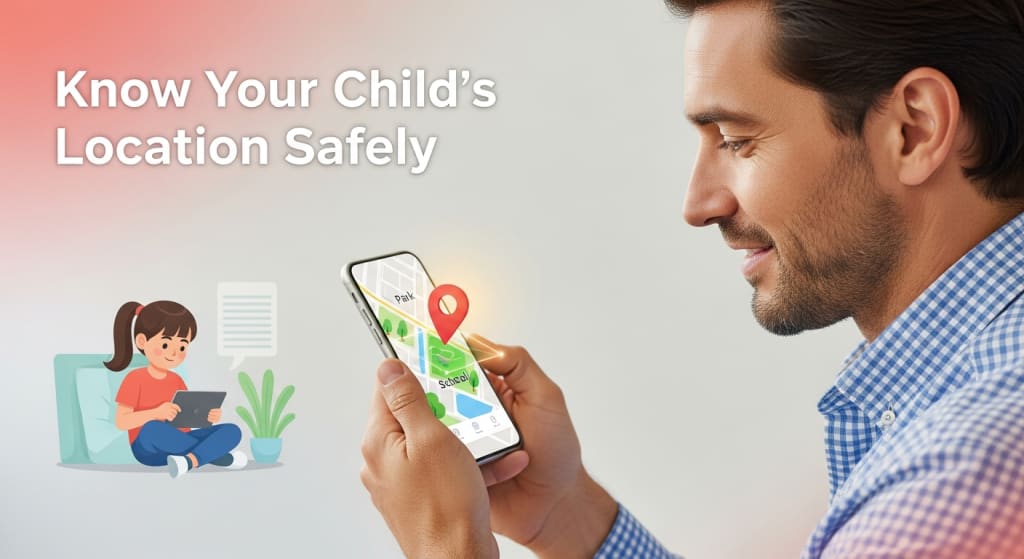
In today’s digital world, Facebook Messenger has become one of the most popular ways for children and teenagers to communicate with friends. While messaging apps help kids stay connected, they also raise safety concerns for parents—especially when it comes to knowing where their child is and who they are talking to. Understanding how location works on Facebook Messenger can help parents protect their children while still respecting their privacy.
This guide explains how parents can find a child’s location on Facebook Messenger and what options are available when built-in features are not enough.
Why Location Awareness Matters for Parents
Knowing a child’s location is not about spying—it’s about safety. Children may meet online friends, travel alone, or attend activities without constant supervision. Location awareness helps parents ensure their child has arrived safely, is not in a risky area, and is using social apps responsibly. When combined with open communication, location tracking becomes a supportive parenting tool rather than a control mechanism.
How Location Sharing Works on Facebook Messenger
Facebook Messenger allows users to share their live location within a chat. This feature is optional and must be manually turned on by the user. When enabled, the live location can be shared for a limited time, usually up to one hour. Messenger may also show an approximate location based on IP address or network data, but this is not always accurate.
It’s important for parents to understand that Messenger does not automatically reveal a child’s real-time location unless the child actively shares it.
Can Parents See a Child’s Location Directly in Messenger?
In most cases, parents cannot see a child’s location by default. Location visibility depends entirely on whether the child has shared it during a conversation. If live location sharing is turned off, Messenger will not provide real-time tracking. This limitation often leads parents to believe Messenger has hidden tracking features, but in reality, it prioritizes user privacy.
Because of this, Messenger alone may not be enough for parents who want consistent location awareness.
Checking Location Settings on a Child’s Phone
Parents can start by reviewing the child’s phone settings. This includes checking whether location services are enabled and whether Messenger has permission to access location data. If permissions are disabled, location sharing will not work even if the child wants to use it.
Parents should also check battery optimization settings, as these can limit location accuracy in the background. Having an open conversation with the child while reviewing these settings helps build trust and avoids misunderstandings.
Using a Facebook Tracking App for Parental Safety
When Messenger’s built-in options are limited, some parents choose to use a Facebook tracking app designed for parental monitoring. This type of app allows parents to view a child’s location data through a secure dashboard, helping them understand where the child is and where they have been. A Facebook tracking app often provides real-time location updates and location history, which can be helpful for busy parents who cannot always ask for live location sharing. These tools are typically used with parental consent and are intended to support child safety rather than invade privacy.
How Parents Can Use This Method Safely
To use a Facebook tracking app responsibly, parents usually need access to the child’s device for initial setup. Once installed, the app runs quietly in the background and collects location data linked to Messenger activity. Parents can log in to their dashboard at any time to check the child’s current or past locations.
It’s essential to explain to children why this tool is being used. When kids understand that location tracking is about safety, not punishment, they are more likely to cooperate and develop healthy digital habits.
Legal and Ethical Considerations
Parents generally have the legal right to monitor their minor children. However, ethical parenting goes beyond legality. Transparency matters. Children should know when location tracking is active and why it’s being used. Secret monitoring can damage trust and lead to conflict.
Using location tools responsibly means setting boundaries, avoiding constant checking, and focusing on safety-related situations rather than everyday control.
Common Problems Parents Face
Location tracking does not always work perfectly. Weak GPS signals, poor internet connections, or disabled location services can result in inaccurate data. Parents should treat location information as a helpful guide, not absolute proof.
If location updates seem wrong, checking phone settings or restarting the device often solves the issue.
Final Thoughts
Finding a child’s location on Facebook Messenger is possible, but only within certain limits. Messenger’s built-in features rely on voluntary sharing, which may not always meet a parent’s needs. For families who want extra reassurance, using a Facebook tracking app can provide additional support when used transparently and ethically.
Ultimately, the goal is not constant monitoring—it’s creating a safe digital environment where children feel protected, trusted, and guided as they grow.
About the Creator
Keep reading
More stories from Ahmad Hassan and writers in Families and other communities.
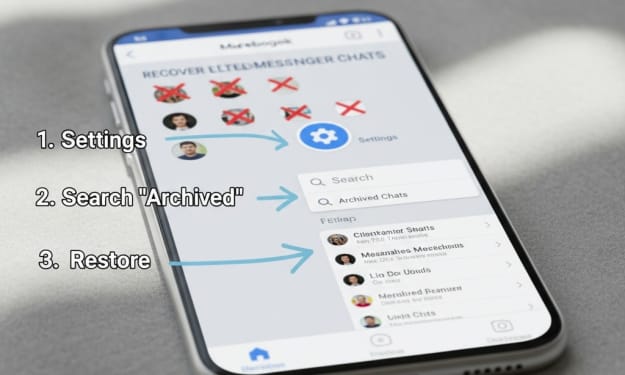
How to Retrieve Deleted Messages from Messenger: A Parent’s Step-by-Step Guide
As children grow more active on social media, messaging apps become a major part of how they communicate. Messenger, in particular, is often used by kids and teens to chat with friends, classmates, and sometimes strangers. This is why many parents worry when messages suddenly disappear. Were they deleted by mistake, or was something intentionally hidden?
By Ahmad Hassan2 months ago in Families
The Silent Rooms: Life Without Children
By Hazrat Umer A True Story of Marriage, Hope, and the Empty Cradle I got married in 2011. It was a year filled with the kind of joy that is hard to put into words. Like every young man, I had dreams. I remember sitting with my wife in our new home, talking about the future. We didn't just talk about our careers or our travels; we talked about the children we would one day hold in our arms. We imagined the sound of tiny feet running down the hallway. We even thought about names. In 2011, the world felt like it was at our feet, and the promise of a big, happy family felt like a certainty.
By Hazrat Umer7 days ago in Families



Comments
There are no comments for this story
Be the first to respond and start the conversation.