
I Used Both a Portable Wi-Fi Projector and a Full HD Smart One—Here’s What Surprised Me
Forget the spec sheets. This is what matters when you actually use a projector in your living room, backyard, or tent.

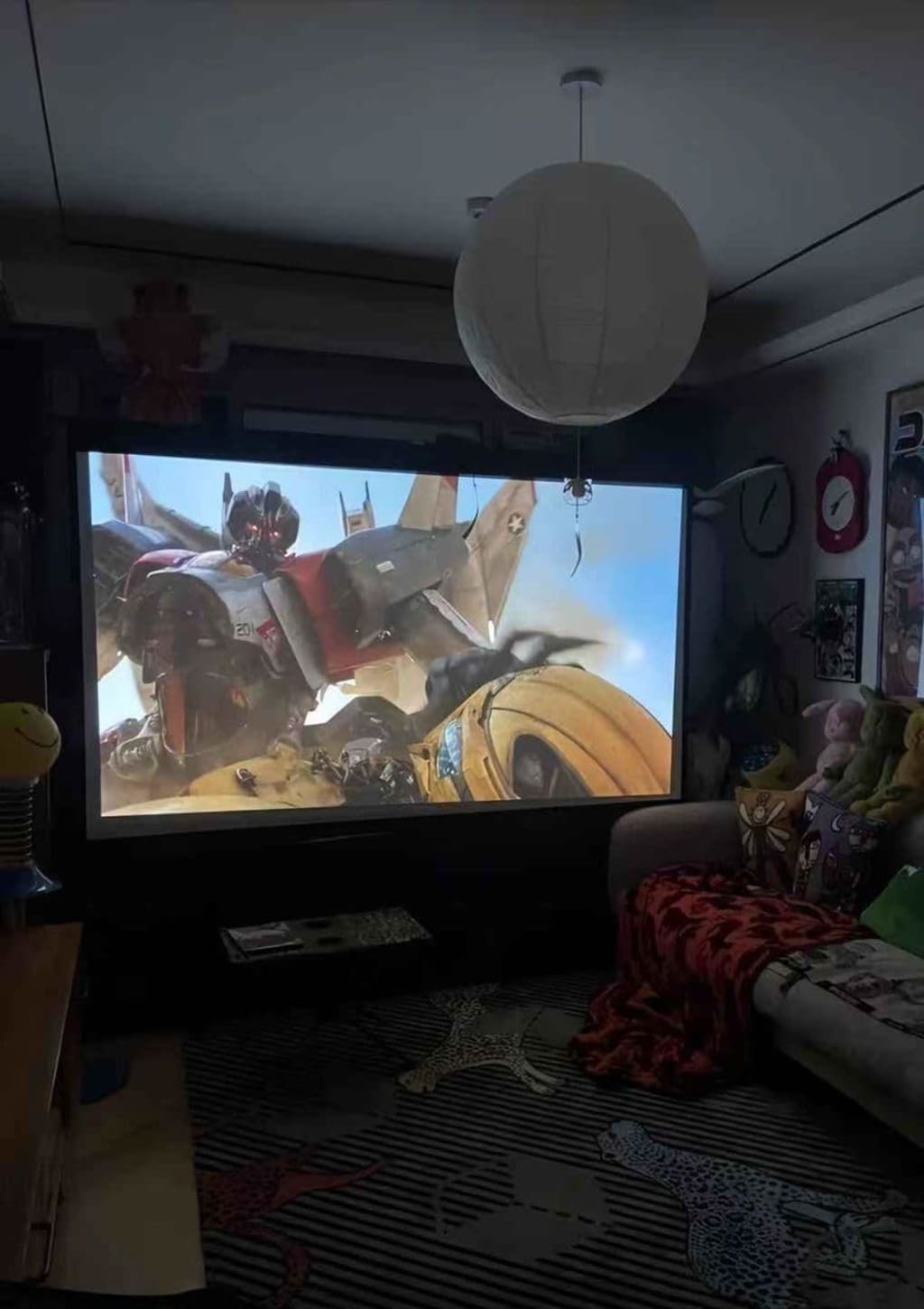
"I once projected a movie on the side of my garage. My neighbors thought I’d installed a new outdoor TV."
Spoiler: I didn’t. I just had a portable Wi-Fi projector—and it changed how I see movie night forever.
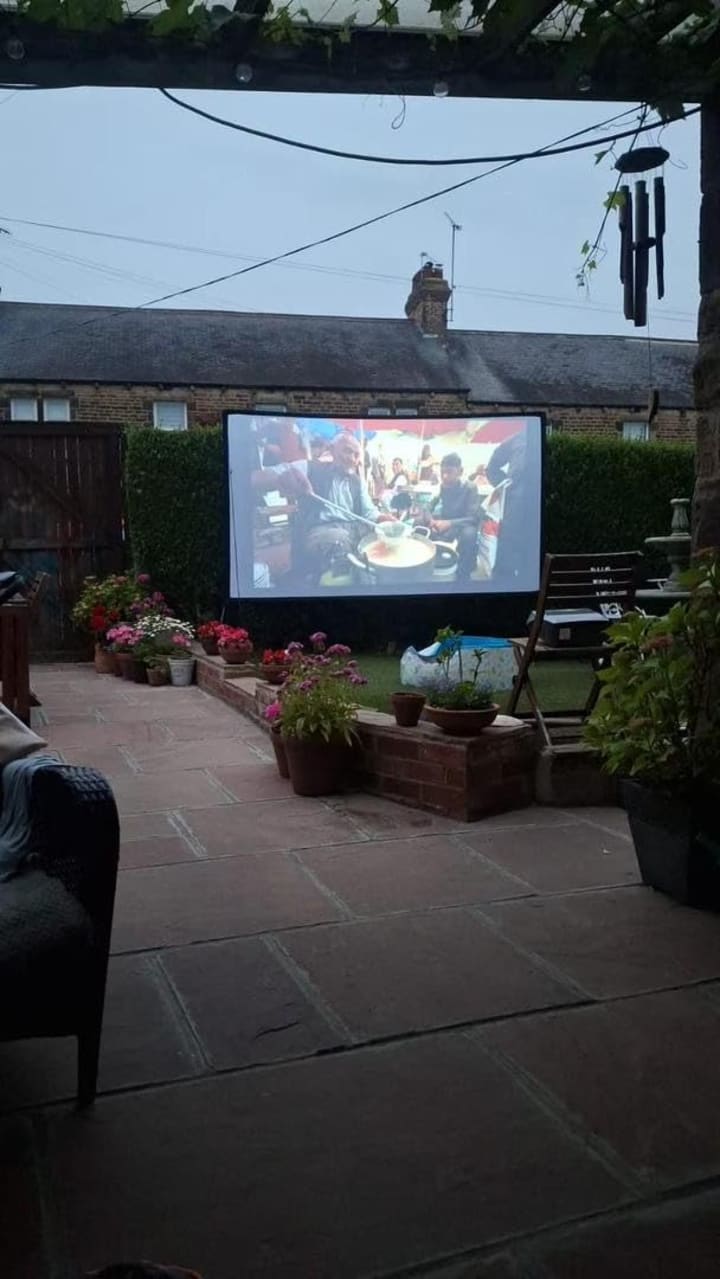
There’s a difference between convenience and quality. And when it comes to home entertainment, especially projectors, that distinction matters more than ever. Over the past two years, I’ve tested, watched, and lived with both full HD smart projectors and portable Wi-Fi projectors—and I’ve learned a lot. Some things surprised me. Others, not so much. Here’s everything you should know if you're even thinking of buying one.
The Setup Dilemma
Let’s start with the elephant in the room: setup. A full HD smart projector sounds like a dream—built-in apps, high resolution, decent sound. But let’s not pretend it’s as plug-and-play as a portable Wi-Fi projector. With my smart projector, I had to mount it, run a power line, and adjust the throw distance manually. Took an hour. With the portable Wi-Fi projector? Ten minutes, tops. I pulled it out of the box, connected to Wi-Fi, adjusted focus, and hit play.
Still, setup speed isn’t everything. Once I got the full HD smart projector dialed in, the picture quality—oh man, it was crisp. Bright enough for daytime viewing (with curtains drawn), and the color depth? Way better than I expected. Netflix felt cinematic. YouTube didn’t feel like YouTube anymore.
Portability vs Permanence
Here’s where the portable Wi-Fi projector wins hard: portability. I brought it camping. I watched movies on the ceiling. My kid used it in his fort. It weighs less than a laptop and fits in my backpack. Try doing that with a full HD smart projector—it’s just not built for that kind of lifestyle.

That said, I’ve come to appreciate permanence. My full HD projector has a dedicated spot in the living room. It’s part of the setup now. It feels like a home theater. There’s a kind of commitment there that makes watching a movie feel special.
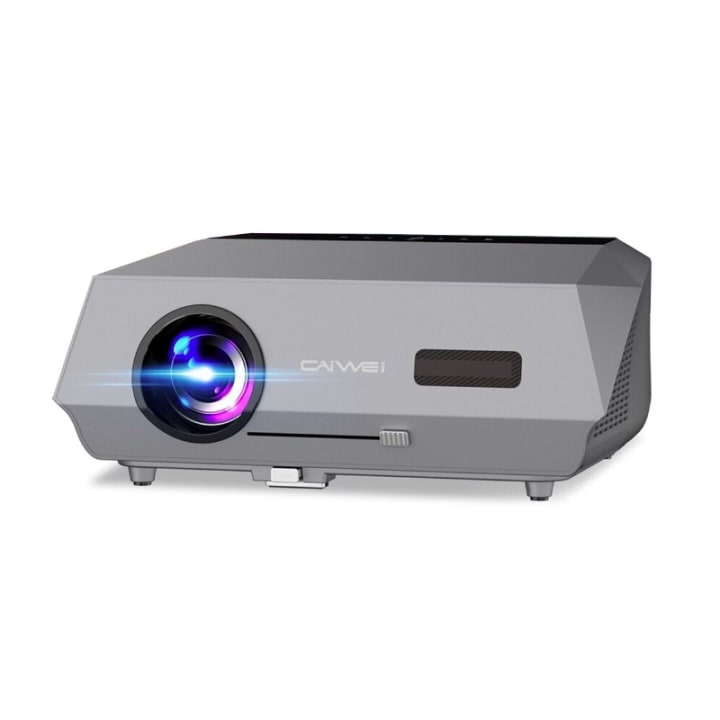
App Experience: One is Smart. The Other is Clever.
Let’s talk interface. Full HD smart projectors usually run some Android-based OS. It’s fine. Navigation isn’t bad, but it’s not snappy either. You get Netflix, Prime Video, and YouTube preloaded—or at least easy to install. Some even support Chromecast. You don’t *need* another device. It’s a win, especially for minimalist setups.
The portable Wi-Fi projector, though? Most don’t come with real “smart” OS functionality. What they do have is screen mirroring. My iPhone, my son’s Android tablet, my laptop—all of them can stream directly. No apps on the device itself, but somehow it still feels flexible. Clever.
Brightness: Numbers Lie
Spec sheets tell you brightness in lumens. Let me save you time: it doesn’t always translate to real-world brightness. My full HD projector claims 6000 lumens, the portable Wi-Fi one says 4000. In practice? The full HD one *is* noticeably brighter, but not night-and-day. In a dark room, both look good. In the daytime, both struggle—though the full HD handles it better.
What surprised me was how little that brightness mattered when we were projecting in weird places: a white tent wall, a ceiling, even the side of my garage. In those cases, the flexibility of the portable Wi-Fi projector mattered more.
Sound Quality: Manage Expectations
If sound matters to you, neither of these options will blow you away. Both projectors had decent internal speakers. The full HD smart one was louder, clearer, and had a touch more bass. But honestly? You’ll want external speakers. Even a cheap Bluetooth speaker beats the internal audio of either.
Still, when I was watching a late-night movie solo, the built-in speaker on the portable unit did just fine. It’s good enough if you’re not picky.
Resolution Wars
This is where full HD wins. It’s 1080p native, and you can tell. Text is sharper. Video detail is higher. It just looks cleaner. The portable projector says it “supports” 1080p, but it’s not native. You’ll notice the difference on anything with subtitles or text. That matters when you’re watching foreign films or even YouTube how-tos.
That said, when I showed both projectors to friends at a backyard movie night, only *I* cared about resolution. Everyone else was just impressed that we had a movie on the garage wall.
Price and Perception
Here’s a weird thing I’ve noticed. People think the full HD smart projector is expensive and impressive. But when they actually see the portable Wi-Fi projector in action, they *want* it. Why? It feels novel. It moves. It adapts. It feels fun.
The full HD smart projector feels serious. And for some people, serious is better. For others, it’s intimidating.
Reliability and Support
My full HD smart projector has decent support. It gets firmware updates. It has an actual brand behind it. The portable Wi-Fi projector? Not so much. It works, sure. But if something breaks, I’m not confident I’ll find parts or a helpful customer service rep.
Still, in the past 18 months, both projectors have been fine. No dead pixels. No strange bugs. Just remember: portable usually means less support.
Which One’s Right for You?
It depends. I know, lame answer. But hear me out.
Get the full HD smart projector if:
- You want a semi-permanent setup.
- Picture quality is top priority.
- You care about having native apps onboard.
- You plan to use it as your main screen for movies or even work.
Get the portable Wi-Fi projector if:
- You want to take your projector anywhere.
- You value flexibility more than specs.
- You don’t mind casting from your phone or tablet.
- You want to entertain kids, camp out, or just have some fun.
What I’d Buy Again
If I could only keep one? Tough call. But I’d keep the full HD smart projector. It feels more like a real investment. More stable. More refined. But I’d probably miss the spontaneity of the portable one. There’s something great about turning any room into a theater on a whim.
Still, if you can afford both, get both. Use one for serious viewing. Use the other for surprise movie nights, PowerPoint emergencies, or spontaneous ceiling projections. Just don’t expect perfection—and you’ll love what both can do.
The Future of Projectors?
Who knows. Maybe in a few years, we’ll get 4K portable projectors the size of a soda can. Or maybe we’ll all just wear VR headsets. But right now, these two categories feel alive. People are buying them, using them, enjoying them. And for good reason.
After all, it’s not just about specs—it’s about what tech lets you do. In this case? It lets you turn a wall into a movie theater. That’s still magic to me.
Glossary of Key Terms
1080p (Full HD) – A screen resolution of 1920x1080 pixels. It’s considered high definition and delivers sharp, clear images—especially important for movies and gaming.
Native Resolution – The actual number of pixels that a projector can display. A projector that “supports 1080p” may not have a native resolution of 1080p, resulting in lower picture quality.
Screen Mirroring – A feature that lets you project content from your smartphone, tablet, or laptop onto the projector screen wirelessly, without using HDMI or USB cables.
Throw Distance – The distance between the projector and the screen or wall. A longer throw distance requires more space, while short-throw projectors can be used in smaller rooms.
Lumens – A measurement of brightness. The higher the lumens, the brighter the image. However, actual brightness can vary based on environment, screen size, and other factors.
About the Creator
Keep reading
More stories from The Reliable Guy and writers in Futurism and other communities.
Why LED Coffee Tables Are Lighting Up Social Media
Forget boring furniture. The hottest thing on TikTok right now isn’t a couch or a rug — it’s a coffee table. One that glows, shifts colors, and turns your living room into a movie set. Scroll through TikTok, Instagram, or Pinterest and you’ll see it everywhere: neon bases lighting up game rooms, cozy amber tones setting the mood for Netflix nights, or wild RGB patterns pulsing in sync with party playlists.
By The Reliable Guy5 months ago in Futurism
Saudi Arabia Meat Market: Rising Protein Demand, Imports & Consumption Growth
Market Overview According to the latest report by IMARC Group, the Saudi Arabia meat market was valued at USD 13.99 Billion in 2025. The market is expected to reach USD 21.52 Billion by 2034, expanding at 4.90% annually from 2026 to 2034. Growth is being fueled by steady population increases, urbanization that concentrates consumers in major cities, and evolving dietary preferences that emphasize protein-rich meals. Government efforts under Vision 2030 to boost local meat production—particularly in poultry and red meat—through subsidized feed programs, interest-free loans, and modern slaughterhouse investments are reducing reliance on imports. At the same time, rising disposable incomes are driving demand for premium, organic, and halal-certified products. The market also benefits from expanding retail formats like hypermarkets and online platforms, which make diverse meat options more accessible across the Kingdom.
By Jeffrey Wilson5 days ago in Futurism


Comments
There are no comments for this story
Be the first to respond and start the conversation.