
How to Create a Productive Workspace at Home: Expert Tips for Maximum Efficiency
Top 14 Home Office Tips to Minimize Distractions and Boost Productivity

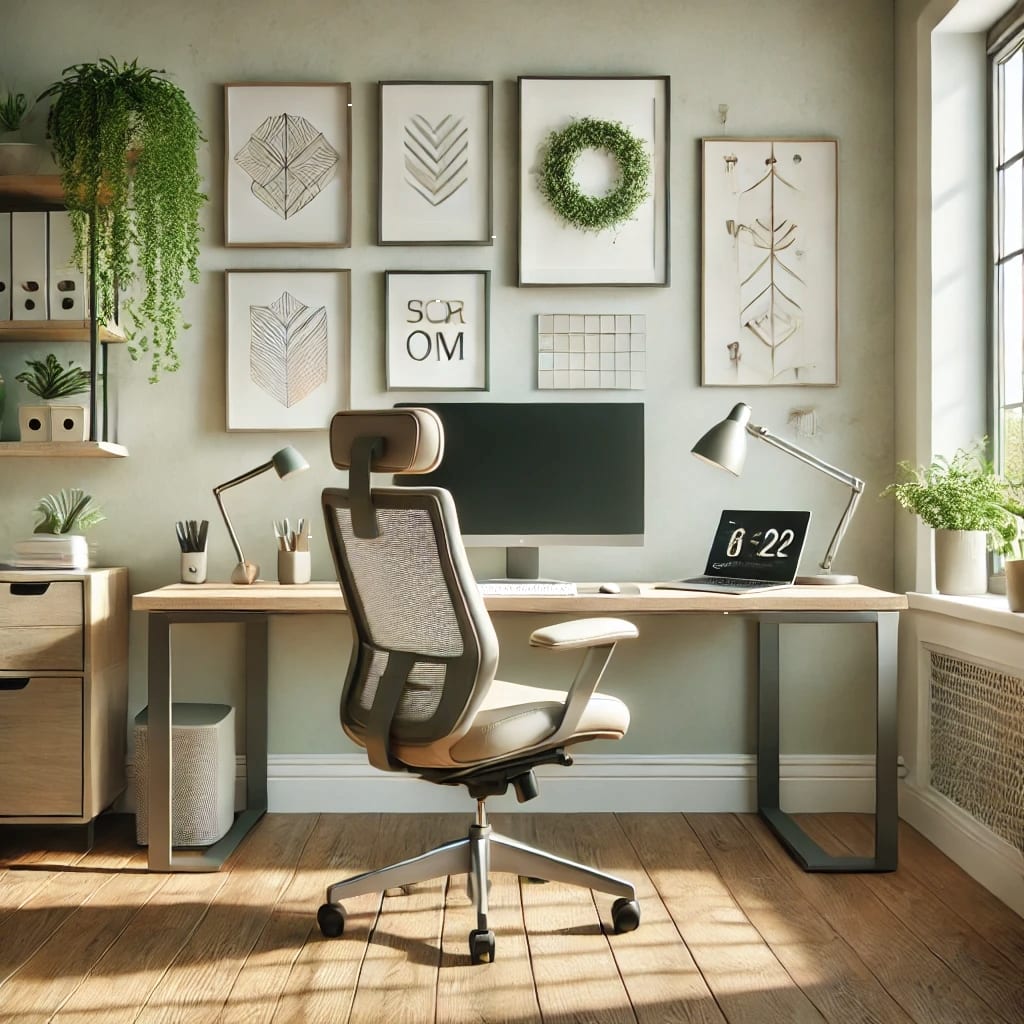
Working from home has become the new norm for many professionals. However, creating a productive workspace at home requires more than just a desk and chair.
The key to success is designing an environment that minimizes distractions, promotes focus, and boosts overall efficiency. In this article, we will explore how to set up a home office that helps you stay productive and motivated throughout your workday.
Why a Productive Workspace Matters
A well-designed workspace can significantly impact your productivity, creativity, and mental well-being. Whether you’re working remotely full-time or part-time, a dedicated workspace can help you maintain a clear boundary between personal and professional life. Moreover, it helps reduce stress, enhances concentration, and improves work quality.
1. Choose the Right Location
The location of your home office is crucial. Select a quiet area with minimal foot traffic and away from common household distractions. Ideally, it should be a separate room or a sectioned-off area to create a clear distinction between work and relaxation.
Tips:
- Opt for natural lighting if possible.
- Avoid areas near televisions or high-traffic zones.
- Ensure good ventilation and comfortable temperature control.
- Use soundproofing materials for extra noise reduction.
2. Invest in Ergonomic Furniture
Comfortable furniture is essential for maintaining productivity and preventing physical discomfort. Investing in an ergonomic chair and desk can enhance your posture and overall well-being.
Tips:
- Choose a chair with lumbar support.
- Ensure your desk is at the proper height for comfortable typing.
- Consider using a standing desk or an adjustable desk converter.
- Use an ergonomic keyboard and mouse to reduce strain.
3. Optimize Lighting
Proper lighting can make or break your productivity. Insufficient lighting can cause eye strain and fatigue, while excessive brightness can be equally detrimental.
Tips:
- Use natural light whenever possible.
- Install adjustable LED lamps for better control.
- Avoid placing your screen directly against windows to minimize glare.
- Use blue light filters or glasses if necessary.
4. Minimize Distractions
Creating a distraction-free workspace is essential for maintaining focus. This includes managing noise, visual distractions, and digital interruptions.
Tips:
- Use noise-canceling headphones if needed.
- Keep your workspace clean and clutter-free.
- Establish clear boundaries with family members during work hours.
- Schedule your work hours around household activities when possible.
5. Organize Your Workspace
A well-organized workspace improves efficiency and reduces stress. Keeping essential items within reach while decluttering unnecessary objects can make a significant difference.
Tips:
- Use organizers, trays, and drawers to keep things tidy.
- Implement a filing system for documents.
- Regularly declutter and refresh your workspace.
- Utilize cable management solutions to avoid tangled cords.
6. Incorporate Technology Wisely
The right technology tools can greatly enhance productivity. However, using too many devices or apps can be counterproductive.
Tips:
- Invest in quality hardware (laptop, monitor, keyboard, etc.).
- Use productivity apps to manage tasks and deadlines.
- Minimize distractions by turning off non-essential notifications.
- Regularly update your software for maximum efficiency.
7. Personalize Your Space
Personal touches can make your workspace more enjoyable and motivating. However, moderation is key.
- Tips:
- Add plants to enhance air quality and aesthetic appeal.
- Display motivational quotes or artwork.
- Keep personal items limited to avoid clutter.
- Use scents like lavender or citrus for relaxation and focus.
8. Set Boundaries and Maintain Routine
Establishing a structured routine and clear boundaries between work and personal life is essential for productivity and well-being.
Tips:
- Define your work hours and stick to them.
- Take regular breaks to avoid burnout.
- Create a clear "shut-down" ritual to mark the end of the workday.
- Use time-blocking techniques to organize your day.
9. Leverage Productivity Tools
Digital tools can simplify your workflow and boost efficiency.
Tips:
- Use task management software like Trello or Asana.
- Utilize time-tracking apps to monitor productivity.
- Apply the Pomodoro technique for focused work sessions.
10. Manage Your Environment’s Aesthetics
A visually pleasing workspace can enhance creativity and motivation.
Tips:
- Choose calming or inspiring colors for your decor.
- Keep your space tidy and visually appealing.
- Use art or photographs that inspire you.
11. Ensure Proper Connectivity
Reliable internet connectivity is essential for effective remote work.
Tips:
- Invest in a high-speed internet connection.
- Use wired connections when possible for stability.
- Keep a backup connection plan in case of outages.
12. Schedule Regular Breaks
Breaks are essential for mental clarity and productivity.
Tips:
- Follow the 50/10 or 90/20 work-break ratio.
- Step outside for fresh air during breaks.
- Use breaks to stretch and refresh your mind.
13. Keep Health and Wellness in Mind
A healthy body supports a productive mind.
Tips:
- Stay hydrated and keep healthy snacks nearby.
- Maintain a proper posture throughout the day.
- Integrate quick exercise routines into your schedule.
14. Review and Adjust Your Setup Regularly
Continuously improving your workspace can boost productivity.
Tips:
- Assess your setup every few months.
- Make changes based on your evolving needs.
- Stay informed about new productivity tools and techniques.
Creating a productive workspace at home is all about balancing comfort, efficiency, and personal style. By following these tips and continuously optimizing your workspace, you can enjoy a more focused and satisfying work-from-home experience.
Start making changes today and watch your productivity soar!
About the Creator
Richard Bailey
I am currently working on expanding my writing topics and exploring different areas and topics of writing. I have a personal history with a very severe form of treatment-resistant major depressive disorder.
Keep reading
More stories from Richard Bailey and writers in Lifehack and other communities.
Creative Easter Egg Decorating Techniques: Unique Ideas for All Ages
Easter egg decorating is a beloved tradition, but why stick to the usual dye kits when you can explore innovative and artistic methods? Whether you're crafting with kids or seeking more intricate designs, these creative Easter egg decorating techniques will make your celebration extra special.
By Richard Bailey11 months ago in Lifehack
How South Korea Artificial Intelligence Market Is Changing Industries and Daily Life
Why Artificial Intelligence Is Quietly Transforming South Korea When people think of South Korea, they often imagine K-pop, smartphones, or cutting-edge technology. Yet quietly, artificial intelligence (AI) is becoming one of the country’s most influential forces. From voice assistants on smartphones to personalized content recommendations and smart payment systems, AI is increasingly part of daily life. What makes this trend exciting is that it isn’t just about technology adoption — it’s reshaping how industries operate and how people interact with services.
By Kim Soo hyun8 days ago in Lifehack
Moving in Arlington Heights: Local Relocation Considerations and Planning Insights
Arlington Heights is a community known for its residential charm, walkable areas, and balanced suburban lifestyle. For residents planning a move within or into this area, relocation often involves more than simply transporting belongings from one address to another. Local logistics, housing layouts, and timing all play an important role in shaping the overall moving experience.
By House Doctor2 days ago in Lifehack
A Letter to the Firestarter
Dear Firestarter, We can all see you, we've been watching you since you began. In case you didn't know we were here before you and we will be here after. We witnessed your rise, your setbacks, your guilt and your lies. We witnessed you start the fire.
By Donny Foley7 days ago in Poets



Comments