gadgets
The future is here; discover the latest gadgets and electronics on the market making life a whole lot simpler and cooler.
The Nuheara IQbuds Boost Are the Future of Hearing Aids
Slowly but surely, I'm pretty sure I'm going deaf. I could maybe blame that fact on attending concerts as frequently as I do, maybe it's just bad genes, or it could be because I had a major tendency to listen to music at a blisteringly-loud level for most of my teen years. Either way, I've started to notice the toll it took on me lately.
By Skunk Uzeki7 years ago in 01
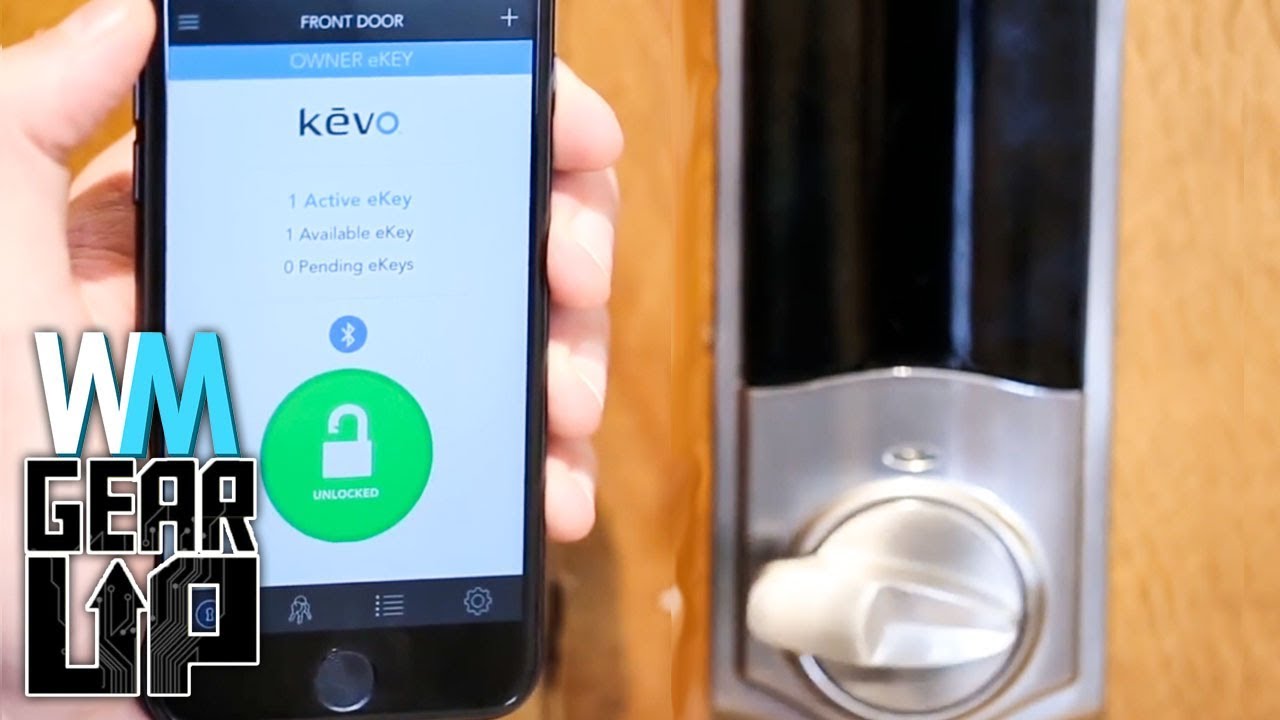
Keep Your Home Protected with the Ooma Butterfleye
Back when I lived in a dangerous neighborhood, the fear I had of break-ins was very, very real. I lived alone in my apartment, and it was the type of neighborhood that most people avoided in the daytime—let alone at night.
By Cato Conroy7 years ago in 01
Using USB Flash Drives
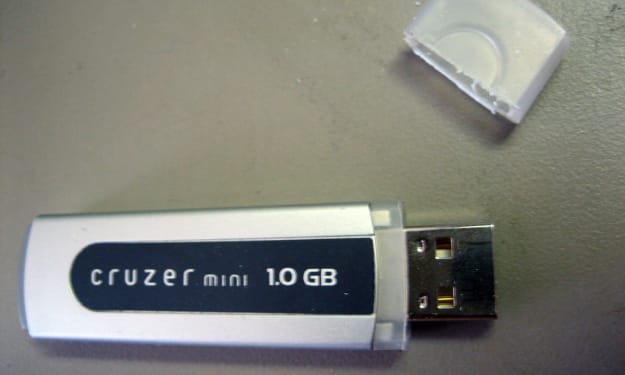
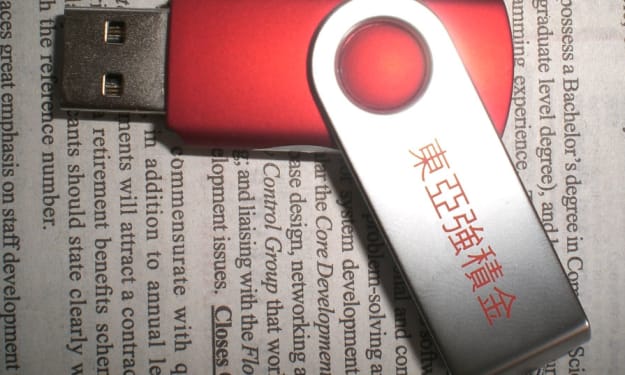
What do we know about flash drives? The main feature of the flash drives is the transfer and storage of any files. Often flash drives are used to update the BIOS or UEFI motherboards. Most modern PCs support not only the installation of the operating system using a bootable USB flash drive but the ability to boot from a USB device, which allows the operating system to boot from a USB flash drive. This configuration is often called Live USB among users. This feature will help not only in the cloning of the operating system and its further transfer to a similar computer, to perform file manipulations without loading the main OS and to combat malware. The USB storage device supports encryption, which is not unimportant for the secure storage of information and does not lose its relevance even during a backup. Flash drives can be used as a key to activate (USB Keys) applications.
By catlyntech7 years ago in 01
Useful Facts About Power Banks
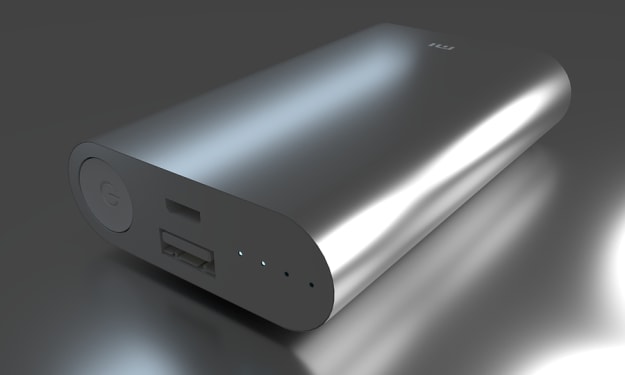
The concept of a “power bank” was developed against the background of the rapid growth of the market of mobile digital devices and their popularization, and was embodied in a portable self-contained power source with a large capacity and compact size.
By roboticworld here7 years ago in 01
Flash Drive Features and Design
Flash Drive Features The waterproof case—will help to protect flash drive from spilled coffee or other damage. Write protection is a small switch on the flash drive body that blocks data recording. You can not be afraid of viruses when using on someone else's computer or accidentally erasing important information. Password protection is implemented using the program supplied with the USB flash drive. Fingerprint scanner—access to data on a flash drive is possible only if it coincides with the owner's fingerprint. Verification is done every time you connect a flash drive to any device. Data backup—used to restore lost information. This function works automatically (after installing the USB flash drive in the PC) or according to the schedule. In this case, the user independently determines the folder or drive to which files will be recorded from the drive. Copying is carried out by the program that comes bundled with a flash drive. Data compression—significantly reduces the size of files (by 20-80 percent), intended for copying to a USB flash drive. This option saves drive memory. Compression is implemented using a program installed on a flash drive. Hardware data encryption—reliably protects information from unauthorized access by unauthorized persons in case of loss or theft of a flash drive. Data transfer indicator—signals (blinks) about data exchange between a flash drive and a PC. Before removing the drive, you should make sure that the transfer of information is completed—in this case, the LED will simply light up. If the flash drive is removed when the indicator light is flashing, data loss is not excluded. U3 Smart Drive support—saves user work settings (settings, passwords, programs, and other data). This makes it possible to turn any computer into a full-fledged workplace and continue working independently of the “main” computer. This option is useful for people who are often traveling or working on multiple computers. Support Ready Bust—provides high-speed read and write flash drives. OTG support—allows you to connect a USB flash drive to mobile devices, such as a smartphone or tablet, which do not have a full-sized USB-port without an adapter. The connection is realized through the interface provided in the drive—micro USB, Lighting or USB Type-C. A flash drive that does not support OTG needs a special adapter to work with mobile devices. Built-in card reader—allows you to record, store and read data from memory cards that are used in iPods, mobile phones and other devices. The card reader makes it easier to work with information stored in the memory of such gadgets. Wi-fi-module—provides wireless communication between the USB flash drive and mobile devices (smartphone, laptop, tablet). The module works in different ways: Some solutions require connecting a USB flash drive to a PC, other devices have their own power sources and operate independently of the computer. Non-detachable cap—Attached to the body of the flash drive, which minimizes the likelihood of its loss. Neutralizes the only minus of the classic performance of a flash drive (with a cap). Shockproof case—Protects against accidental impacts and other mechanical effects.
By techbabe stories7 years ago in 01
How to Choose a Flash Drive: Memory Size, Interface, and Design
What do we know about flash drives? There isn't a person who does not know what a flash drive is. It is difficult to imagine how people managed to live without it before. Disks are forgotten. Most people will not even remember floppies. With a flash drive, it is more convenient and much easier to transfer data. Often the question arises how to choose the right USB flash drive for the computer?
By macy helly7 years ago in 01
USB 3.0—What Are the Advantages?
What do we know about USB 3.0? This interface was developed back in 2008, but it only got into mass production from the second half of 2011. Three years were spent on the refinement and testing of new data transmission technology, after which USB 3.0 still became available for use by ordinary users, but there was no sharp “boom” on USB 3.0.
By digitaldays karin7 years ago in 01
10 Apple Watch Accessories You Didn't Know You Needed
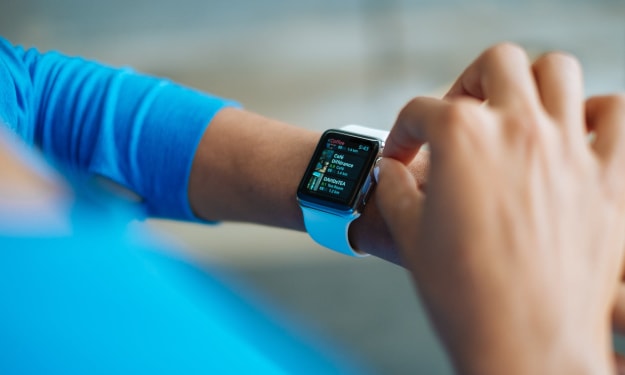
Approximately 23 Apple watches are sold every minute. This means that if there's an accessory you need or want for this device, chances are someone's thought of it. While there are a wide array of Apple watch bands out there to accessorize your look, the realm of Apple watch accessories goes far beyond that. Whether you want to keep your Apple watch charged, protect your watch, or keep a nice stand or docking station that both your Apple watch and iPhone can use simultaneously, they make accessories for both the 38mm and 42mm Apple watch versions.
By Morgan E. Westling7 years ago in 01