
The Ultimate Checklist Before You Build Your First Business Website
Building your first business website? Use this complete checklist to plan your goals, content, structure, branding, and launch strategy effectively.

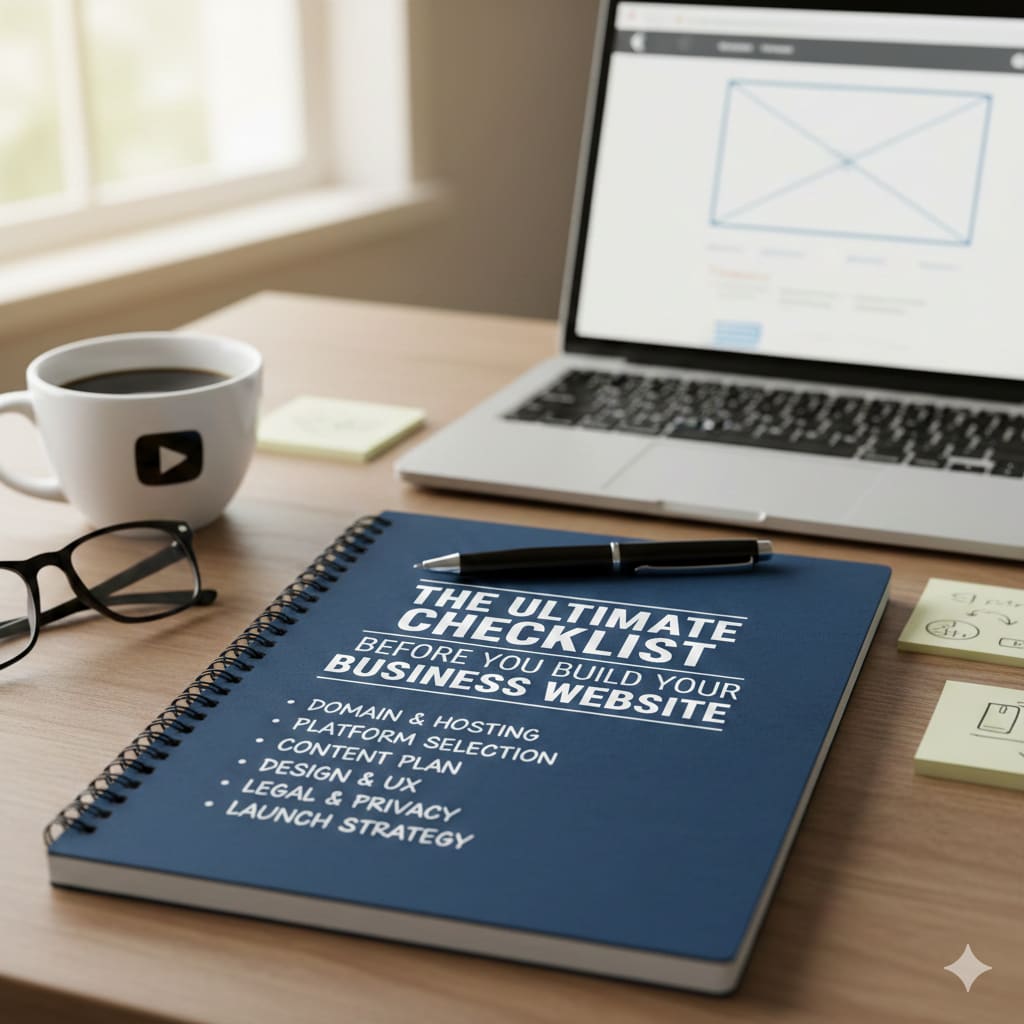
Launching your first business website is a major milestone. It signals growth, builds credibility, and gives your customers a place to learn about your business at any time.
What many first-time business owners do not realise is that website design is often the simplest part of the process. The most important work happens before you ever choose a template, select colors, or upload a logo.
When planning is skipped, businesses often end up rewriting content, changing layouts, or rebuilding parts of the website later. This wastes time, increases costs, and delays real results.
This checklist is designed to help you plan with clarity from the start. By preparing your goals, content, and structure before development begins, your website becomes a focused, professional tool that supports your business from day one.
1. Define Your Business Goals Clearly
Before choosing colors, fonts, or layouts, you need to understand why your website exists. A clear goal will guide every decision you make later.
What Is the Primary Purpose of Your Website?
Your website should have one main goal. While it can support other tasks, one purpose must come first.
Common website goals include:
- Generating leads for a service business
- Selling products online
- Booking consultations or appointments
- Building trust and authority in your industry
- Sharing information and support
If you try to focus on too many goals at once, your message becomes unclear. When the goal is clear, every page and section can support it in a focused way.
Who Is Your Target Audience?
A common mistake is trying to speak to everyone. When your message is too broad, it feels weak and generic.
Think about who you really want to reach:
- Busy professionals
- Small business owners
- Local customers
- Startup founders
Once you identify your audience, go a step deeper. Understand their problems, questions, and concerns. When you know what they are looking for, your content becomes more helpful and more convincing.
What Action Do You Want Visitors to Take?
Every website should guide visitors toward a clear action. Without direction, people leave without doing anything.
Decide what matters most for your business, such as:
- Booking a call
- Requesting a quote
- Making a purchase
- Filling out a contact form
- Signing up for emails
This action should be clear and easy to find throughout your site.
2. Choose the Right Domain Name
Your domain name is the address of your website. It is often the first thing people see and remember about your business. A strong domain name builds trust, improves brand recognition, and makes it easier for customers to find you online.
Choosing the right one early helps you avoid confusion and rebranding later.
Tips for Selecting a Memorable Domain Name
A good domain name should feel natural and easy to recall. When someone hears it once, they should be able to type it correctly without effort.
Keep these principles in mind:
- Keep it short and simple
- Make it easy to spell and pronounce
- Align it closely with your business name or brand
- Avoid complex or unusual words
If people struggle to remember or spell your domain, they are less likely to return to your site.
Should You Use .com or Another Extension?
Whenever possible, choose a .com extension. It is the most familiar and trusted option, especially for business websites.
If a .com is not available, other options can work, such as:
- .co
- .net
- Industry-specific extensions
Just make sure the extension does not cause confusion or make your site look unofficial.
Common Domain Name Mistakes to Avoid
Many new business owners rush this step and regret it later. Avoid choices that can weaken your brand.
Common mistakes include:
- Picking a name that sounds too similar to a competitor
- Adding extra words just because the ideal name is taken
- Using numbers or hyphens
- Choosing a long or hard-to-remember phrase
Your domain name should feel professional, clean, and future-proof.
3. Select the Best Platform for Your Business
The platform you choose is the foundation of your website. It affects how easy your site is to manage, how flexible it is, and how well it can grow with your business over time.
Choosing the right platform now can save you from expensive changes later.
Website Builders vs Content Management Systems
There are two main types of platforms most businesses choose from: website builders and content management systems.
Website builders are designed for beginners. They usually offer drag-and-drop tools and require little technical knowledge. These platforms are quick to set up and easy to maintain.
Content management systems offer more control and customization. They are better suited for businesses that want flexibility, advanced features, or long-term growth. However, they often come with a learning curve.
Before deciding, ask yourself:
- Will I manage this website myself?
- Do I need advanced features now or later?
- How much control do I want over design and content?
Your answers should guide your choice.
When to Choose an E-commerce-Focused Platform
If your business sells products, your website needs more than basic pages. An e-commerce platform supports features such as product listings, secure payments, and order management.
Look for a platform that can handle:
- Product pages
- Inventory management
- Payment processing
- Order tracking
A platform built for e-commerce will make selling easier and more reliable.
Ease of Use vs Future Growth
Some platforms are easy at the beginning but become limiting as your business grows. Others require more effort upfront but offer better flexibility later.
Think long term. Consider whether you may need:
- Additional pages
- A blog or resource section
- Marketing or analytics integrations
- Expanded product or service offerings
It’s also important to understand how your platform choice affects long-term expenses, as different tools, features, and customisation options can significantly impact your website development costs over time.
4. Plan Your Website Structure in Advance
Before you start designing your website, you need a clear structure. A well-planned structure makes your site easier to navigate and easier to understand.
Essential Pages Every Business Website Needs
Most business websites should include a few core pages. These pages help visitors quickly learn who you are and what you offer.
At a minimum, plan for:
- Home
- About
- Services or Products
- Contact
Depending on your business, you may also add pages like FAQs, testimonials, a blog, or a portfolio. Each page should have a clear purpose.
Create a Simple Sitemap
A sitemap is just a basic outline of your website. It shows how your pages are connected and organised.
Planning this early helps you avoid cluttered menus and confusing navigation later.
Plan Navigation for a Better User Experience
Your navigation menu should be simple and clear. Visitors should understand your website within a few seconds and find information without effort.
Clean navigation keeps people on your site longer and reduces frustration.
5. Prepare Your Branding Elements
Strong branding makes your website look professional and trustworthy. Before you start building, your main brand elements should already be decided.
Logo, Colours, and Typography
Your website should look consistent from page to page. This starts with clear brand visuals.
Before development, finalize your:
- Logo
- Brand colors (choose two or three primary colours)
- Font styles
Using random colors or too many fonts can make your business look unpolished and confusing.
Create a Consistent Brand Voice
Your website should sound the same everywhere. Decide how you want your business to communicate.
Your tone might be:
- Friendly and conversational
- Professional and confident
- Calm and supportive
- Bold and energetic
Choose one style that fits your audience and stay consistent across all pages.
Prepare Visual Assets
High-quality visuals help build trust. Plan your images before building the site.
Prepare clean and professional:
- Brand images or photos
- Product images, if applicable
- Team photos
- Simple icons or graphics
Avoid blurry images or overused stock photos that do not feel authentic.
6. Create Your Website Content Before Development
Content should be ready before you start building your website. Writing first helps you design with purpose and avoid constant changes later.
Homepage Content Basics
Your homepage should clearly explain your business within seconds. Visitors should not have to guess what you do.
Make sure it answers:
- What you offer
- Who you help
- Why someone should trust you
- What to do next
Simple and clear messaging works better than clever language.
Writing an Effective About Page
The About page helps people connect with your business. It should share your story, but always focus on how it benefits your customers.
Explain why you started your business, what you believe in, and how your experience helps solve customer problems.
Service or Product Page Essentials
Each service or product page should explain the problem and present your solution clearly. Focus on benefits, not just features.
Include a clear next step so visitors know how to move forward.
Use Clear Calls-to-Action
Avoid vague buttons and links. Tell visitors exactly what will happen when they click.
Clear calls to action guide users and improve results.
7. Think About Search Visibility From Day One
Search visibility should be part of your plan from the start, not something you add later. When your website is easy to understand, it is easier for both users and search engines to trust.
Understand What Your Audience Is Searching For
Before writing content, think about the questions your audience types into search engines. These are often simple and problem-focused.
When you understand their searches, you can create content that answers real questions instead of guessing what people want.
Optimise Page Titles and Descriptions
Every page on your website should have a clear title and a short description. These explain what the page is about before someone clicks.
Well-written titles and descriptions help users decide if your page is useful and improve how your site appears in search results.
Use Clean and Simple URLs
Your page URLs should be easy to read and understand. They should describe the page clearly without extra words or numbers.
Clean URLs improve user experience and make your website look more professional.
8. Plan for Mobile and User Experience
Most people will visit your website on a mobile device. Your site must be easy to use on smaller screens, not just on a desktop.
Use Mobile-First Thinking
A mobile-friendly website is clear, simple, and easy to interact with.
Make sure:
- Text is easy to read without zooming
- Buttons are easy to tap
- Pages load quickly
- The layout adjusts smoothly to different screen sizes
Testing your site on multiple devices helps catch issues early.
Website Speed Matters
Slow websites lose visitors. Even a short delay can cause people to leave.
You can improve speed by using optimised images, reliable hosting, and only necessary features.
Keep the Layout Clean
Simple layouts are easier to trust and easier to read. Avoid overcrowding your pages.
Use clear sections, short paragraphs, and enough spacing so the content feels organised and calm.
9. Set Up Security and Technical Essentials
Website security helps protect both your business and your visitors. These basics should be in place before your site goes live.
Use HTTPS for Security
An SSL certificate encrypts data and keeps your website secure. Visitors feel more confident when they see a secure connection in their browser.
Create a Backup Plan
Backups protect your website if something goes wrong. They allow you to restore your site after errors, attacks, or accidental changes.
Regular backups give you peace of mind.
Follow Basic Security Practices
Simple habits can prevent major problems. Use strong passwords, enable two-factor authentication, and keep your software updated.
Security planning now helps you avoid serious issues later.
10. Prepare for Tracking and Marketing
Once your website is live, you need to understand how people use it. Tracking and marketing tools help you measure results and improve over time.
Install Analytics Tools
Analytics tools show how visitors find your website and what they do once they arrive. This information helps you understand what is working and what needs improvement.
Tracking data supports better decisions instead of guesswork.
Set Up Search Monitoring Tools
Search monitoring tools help you track visibility and identify issues that affect performance. They also show opportunities to improve content and structure.
Small adjustments over time can lead to steady growth.
Add Lead Capture Tools
Your website should make it easy for visitors to contact you.
Set up simple tools such as contact forms, email sign-up forms, or booking systems. Always test them to make sure they work correctly before launch.
Final Thoughts
Building your first business website is not just about design. It is a strategic step in growing your business.
When you plan your goals, structure, content, and technical setup, your website becomes a strong business tool instead of just an online presence.
Take time to prepare. Build with purpose. Launch with confidence.
About the Creator
Nico Gonzalez
Hi, I'm Nico Gonzalez! I'm passionate about technology, software development, and helping businesses grow. I love writing about the latest trends in tech, including mobile apps, AI and more.
Keep reading
More stories from Nico Gonzalez and writers in 01 and other communities.
Sabre API Sandbox vs Production: What Changes When You Integrate?
Building a travel booking platform is exciting, but the real challenge begins when you move from testing to handling real users and real bookings. Many teams feel confident while working in a test environment, only to face unexpected issues when they go live. This is especially common when working with travel technology platforms, where data accuracy, pricing, and booking behavior can change dramatically outside a testing setup.
By Nico Gonzalez15 days ago in 01
I Don't Need My Phone... Wait, Is That Actually True?
My parents gave me my first cell phone when I was twelve years old. It wasn't a fancy iPhone or anything, not even close. Just a simple black flip phone for when I needed to call or text them after school.
By Madison "Maddy" Newton4 days ago in Humans



Comments
There are no comments for this story
Be the first to respond and start the conversation.